
If your current website is hosted on Weebly, or you’re considering building a site but sense that Weebly may not be the long-term solution, you’re not alone. Thousands of users have already made the decision to migrate – and for good reason.
Weebly was once a great tool for beginners, but it’s no longer keeping up with market standards (read more in our last review). Since its acquisition by Square, development and innovation have effectively stopped. The mobile app has been discontinued. The app store has accepted no new submissions since 2020. Square’s own documentation now directs new users to Square Online instead, a clear signal that Weebly is no longer actively endorsed even by its own parent company. Templates are outdated, integrations are broken, and there is no public roadmap or changelog. The platform works, but it is not being built.
Fortunately, there are powerful and modern alternatives that offer you more flexibility, better performance, stronger SEO, and long-term stability. Below, we break down the top 3 Weebly alternatives worth considering, and how each one fits different user needs.
1. Wix – The Best All-in-One Alternative to Weebly
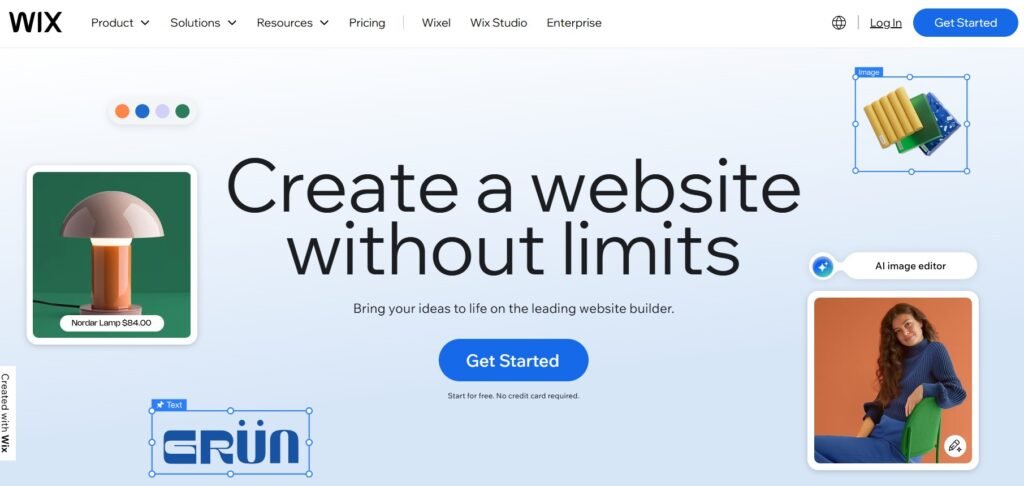
If you’re looking for the easiest and most complete upgrade from Weebly, Wix is the clear #1 choice.
Wix offers everything Weebly does, but better, and then considerably more. From drag-and-drop editing to customizable templates, built-in SEO, scalable business tools, and full hosting, Wix combines simplicity with professional power. It lets you build, manage, and grow a website using artificial intelligence, visual editors, or a full professional workspace depending on your skill level. Crucially, it’s a platform that’s actively developed: Wix publishes a public product roadmap with quarterly release timelines, ships new features on a rolling basis, and invests in emerging areas that directly affect how websites are found and used today.
Key advantages over Weebly:
- 900+ modern design templates across 100+ industries
- Full drag-and-drop freedom with advanced animations and pixel-level control
- Full eCommerce system: storefront, CRM, subscriptions, abandoned cart recovery, dropshipping
- AI-powered tools for writing, design, SEO, and image creation
- GEO tools for visibility in AI-powered search engines (ChatGPT, Perplexity, Google AI Overviews)
- NLWeb integration that makes Wix sites natively readable by AI agents
- Wix Studio: a professional workspace for designers and agencies with Global Design Tokens, AI Design Assistant, and team collaboration
- 300+ apps and integrations in an actively maintained App Market
- Built-in hosting, daily backups, CDN, SSL, and DDoS protection
- HIPAA Compliance Solution for health service providers
If you’re already using Weebly and want to transfer your content, Wix supports full migrations, manual or assisted, and has dedicated features for website imports. And unlike Weebly, once you’re on Wix you won’t need to migrate again: the platform scales from a one-page site to a full enterprise presence without ever running out of capability.
One more differentiator worth naming: Wix is investing heavily in the next generation of web visibility. Its GEO tools are designed to optimize your site for AI-powered search engines, and its NLWeb integration ensures your site can be read and navigated by AI agents, increasingly important as tools like ChatGPT and Perplexity become a primary way users discover businesses online. This is not a feature Weebly will ever offer.
Best for: Small businesses, freelancers, coaches, creators, online stores, portfolios, agencies and anyone who wants a platform that will still be actively developed in five years.
Why choose Wix: All-in-one power with no technical setup required, an active development team, and AI tools built directly into the editor.
Read Also:
2. WordPress – The Best CMS for Full Customization and Ownership
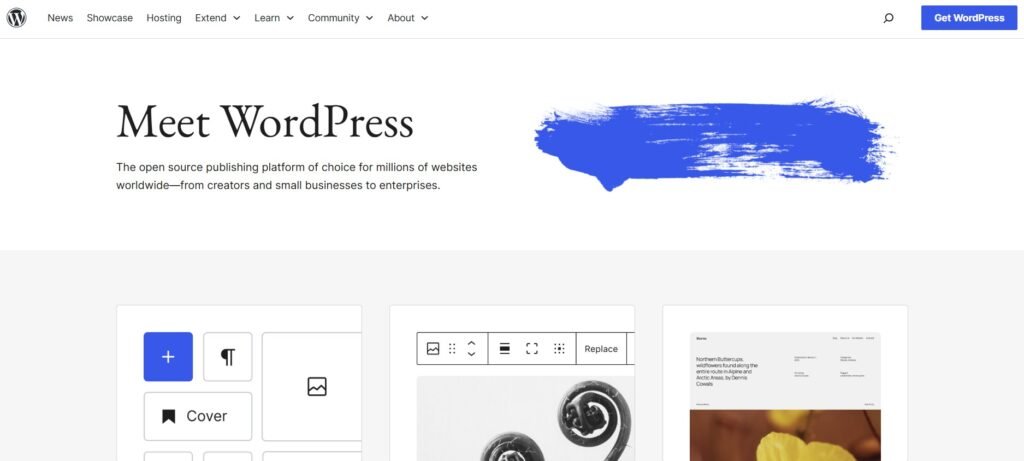
WordPress is not technically a website builder, it’s a fully customizable CMS (Content Management System) used by more than 43% of all websites in the world. With WordPress, you can build anything from a personal blog to a complex membership platform, a directory site, or an enterprise-level web application. The ecosystem of themes and plugins means there is virtually no functionality you cannot add.
But this power comes with a real trade-off: you are responsible for the full technical stack. That means purchasing and configuring hosting, installing WordPress, selecting and maintaining themes and plugins, managing software updates, monitoring security, and handling backups. For non-technical users, this overhead can be significant, either in time or in the cost of hiring a developer or agency to manage it. WordPress is not a set-and-forget platform; it is a platform for those who want complete ownership and are prepared to maintain it.
Why WordPress is a top alternative to Weebly:
- Unlimited design and functional flexibility
- Thousands of themes and plugins (free and premium)
- Fully own and control your website and hosting
- Scales for any size: from personal blog to global business
- Integrates with every major marketing, SEO or CRM tool
It’s also worth noting that WordPress has a thriving SEO ecosystem. Plugins like Yoast SEO and Rank Math give technically proficient users deep control over on-page optimization, schema markup, sitemaps, and structured data, going well beyond what Weebly ever offered. For content-heavy businesses where SEO is a primary growth channel, this level of control is a genuine advantage.
But don’t forget: you’ll need to handle installation, backups, updates, speed optimization, and security – or hire a developer or agency to do it for you.
Best for: Blogs, content-heavy sites, web apps, tech-savvy users
Why choose WordPress: Maximum customization and full ownership, at the cost of manual setup and maintenance
3. Squarespace – The Best Weebly Alternative for Stunning Visual Websites
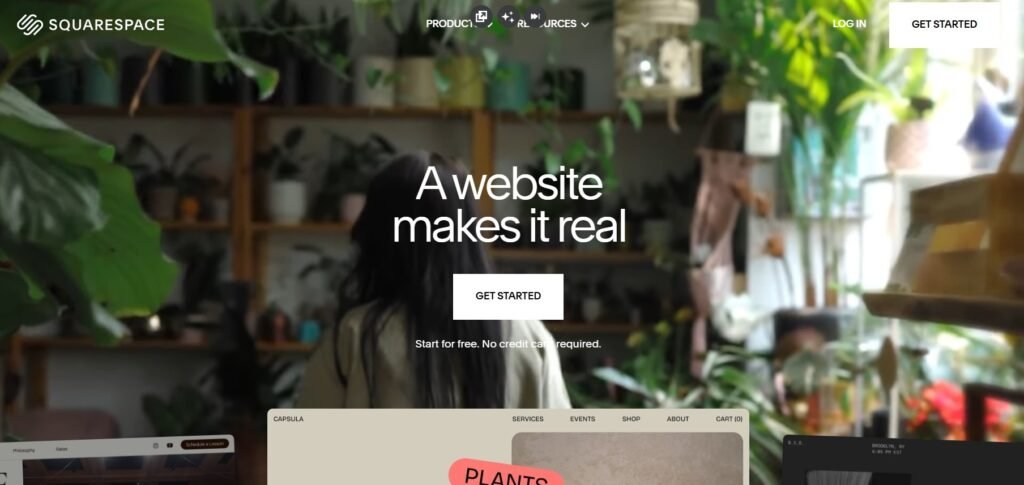
Squarespace is a popular Weebly alternative, known for its beautiful, modern, and polished templates. It’s particularly well suited to photographers, designers, artists, and small businesses that prioritize visual quality and a clean, consistent aesthetic above all else.
Unlike WordPress, Squarespace is fully hosted and managed, just like Weebly. Unlike Wix, it prioritizes structured layout over pixel-level freedom, meaning you work within a defined grid rather than placing elements anywhere on the canvas. For many users, this is a feature rather than a limitation: the structure makes it harder to accidentally produce a visually inconsistent design, and the templates are polished enough that most users won’t feel constrained.
Squarespace has also expanded its built-in toolset significantly in recent years, adding AI writing assistance for page content and email campaigns, a course and membership platform, and an improved eCommerce experience. It remains a more contained ecosystem than Wix: fewer integrations, less design flexibility, but for users who want a high-quality site with minimal decision-making, it delivers consistently strong results.
Why consider Squarespace after Weebly:
- Elegant templates with great typography and galleries
- Built-in tools for selling digital products, services and subscriptions
- Strong blog and content editor
- Fully responsive templates for mobile and tablet
- Built-in scheduling, memberships and email marketing
Squarespace is not as feature-packed or flexible as Wix, and doesn’t offer the same visual drag-and-drop freedom – but if you want a clean and simple website that “just works,” it’s one of the best alternatives available.
Best for: Creative professionals, personal brands, simple online stores, set-and-forget websites
Why choose Squarespace: Beautiful designs, easy editing, and all essentials built in
Quick Comparison Table
| Feature / Platform | Wix | WordPress | Squarespace |
| Difficulty Level | Easy → Advanced | Intermediate → Expert | Yes |
| Hosting Included | Yes | No (you choose hosting) | Yes (structured) |
| Drag-and-Drop | Yes | Limited (plugin-based) | Easy |
| Templates | 900+ | 10,000+ (theme-based) | 100+ |
| SEO Tools | Built-in + AI | Plugin-based (Yoast, RankMath) | Built-in |
| eCommerce | Full built-in system | Plugins (WooCommerce, Easy Digital Downloads) | Built-in |
| Flexibility | High | Very high | Medium |
| Best Use Case | Most small and growing businesses | Custom websites, blogs, platforms | Creatives and minimal sites |
| Migration from Weebly | Fast and fully supported | Manual / plugin-based | Manual rebuild |
Conclusion: Which One Should You Choose?
If you’re still building or maintaining your website on Weebly, whether it’s a small personal project, a local business site, or a brand with growth ambitions; the case for moving has never been clearer. Weebly may still technically function, but it is no longer being developed, no longer being recommended by its own owner, and no longer competitive with what modern platforms offer. That means fewer features, degrading integrations, no AI tools, no visibility in next-generation search, and no safety net if something goes wrong.
By migrating to a platform like Wix, WordPress or Squarespace, you’re not just getting new features – you’re investing in a more scalable and future-proof foundation for your online presence. With better tools for design, SEO, marketing and content management, these platforms elevate your website from a passive page to a true business asset.
Here’s the final breakdown to help you decide:
If you want something quick, modern, and scalable with zero technical hassle — choose Wix. Wix is the closest match to Weebly in terms of simplicity, but with far more tools, better design flexibility, AI-powered features, and built-in business functionality. It’s the platform actively investing in the future of web visibility, including GEO optimization for AI-powered search. It’s the best all-in-one Weebly alternative available. Read more in our Wix vs. Weebly comparison.
If you want full control and don’t mind managing hosting, security, and updates — choose WordPress. This is the right platform if you want complete ownership and unlimited customization. It’s particularly well suited to content-heavy websites, businesses with complex functionality requirements, and technically capable users who want long-term flexibility without being tied to any single ecosystem.
If you want a beautifully structured website with minimal setup — choose Squarespace. Squarespace is ideal for creatives, personal brands, and small businesses that want elegant, consistent design without spending time in the editor. If aesthetics are your primary concern and your feature needs are straightforward, it delivers reliably strong results.